
How to Buy Crypto in India with INR via UPI on WEEX

 Prefer us on Google


Buying crypto with INR via UPI is a straightforward option for users in India who want to purchase assets such as USDT through WEEX. On the WEEX Bank Transfer page, users can select INR as the fiat currency, choose UPI as the payment method, and complete the purchase through a supported payment channel.
A common use case is to buy USDT with UPI, as USDT is widely used for spot trading, futures trading, and transferring value between crypto platforms.
WEEX was founded in 2018 and serves more than 10 million users across 150+ countries and regions. The platform provides spot and futures trading, copy trading, API access, TradFi products, and AI trading tools. WEEX also publishes a Proof of Reserves page and maintains a 1,000 BTC protection fund to improve transparency and user protection.
How to Buy Crypto in India with INR via UPI on WEEX
The process is simple. Users can pay in INR through UPI and receive supported crypto assets such as USDT.
Step 1: Open the WEEX Bank Transfer Page
Go to the WEEX OTC Bank Transfer page. On the Buy Crypto section, select Bank Transfer. WEEX also provides other fiat purchase options such as Quick Buy and P2P, but this guide focuses on INR payments through UPI.
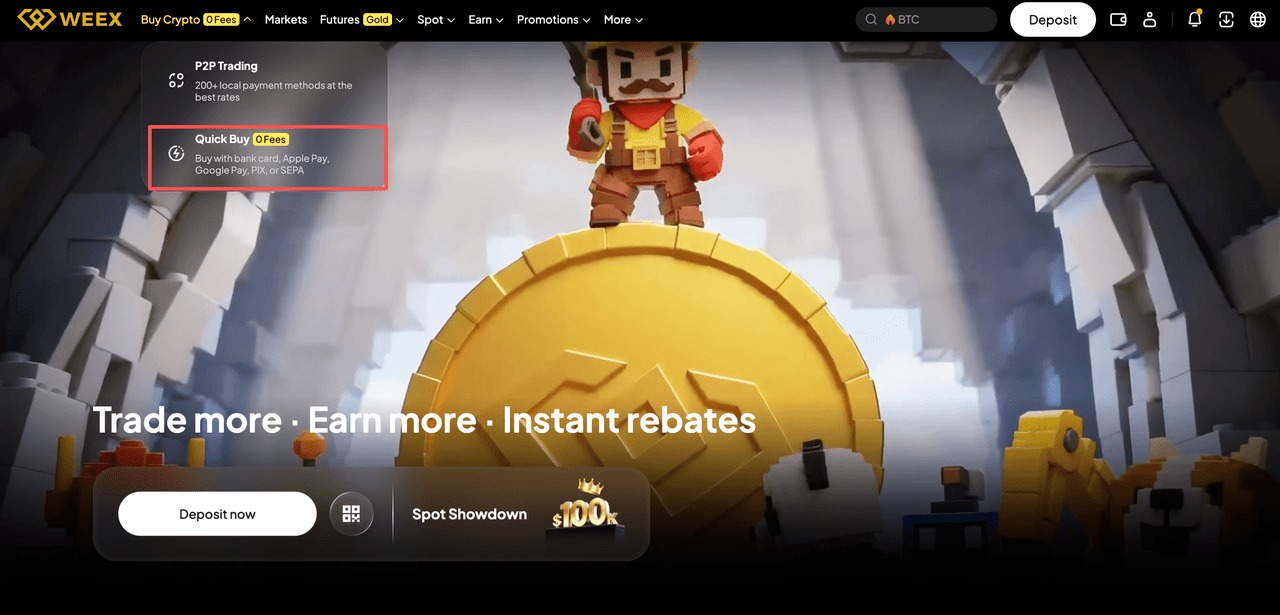
For a broader overview of fiat purchase options, users can also visit All about Quick Buy/OTC on WEEX.
Step 2: Select INR as the Fiat Currency
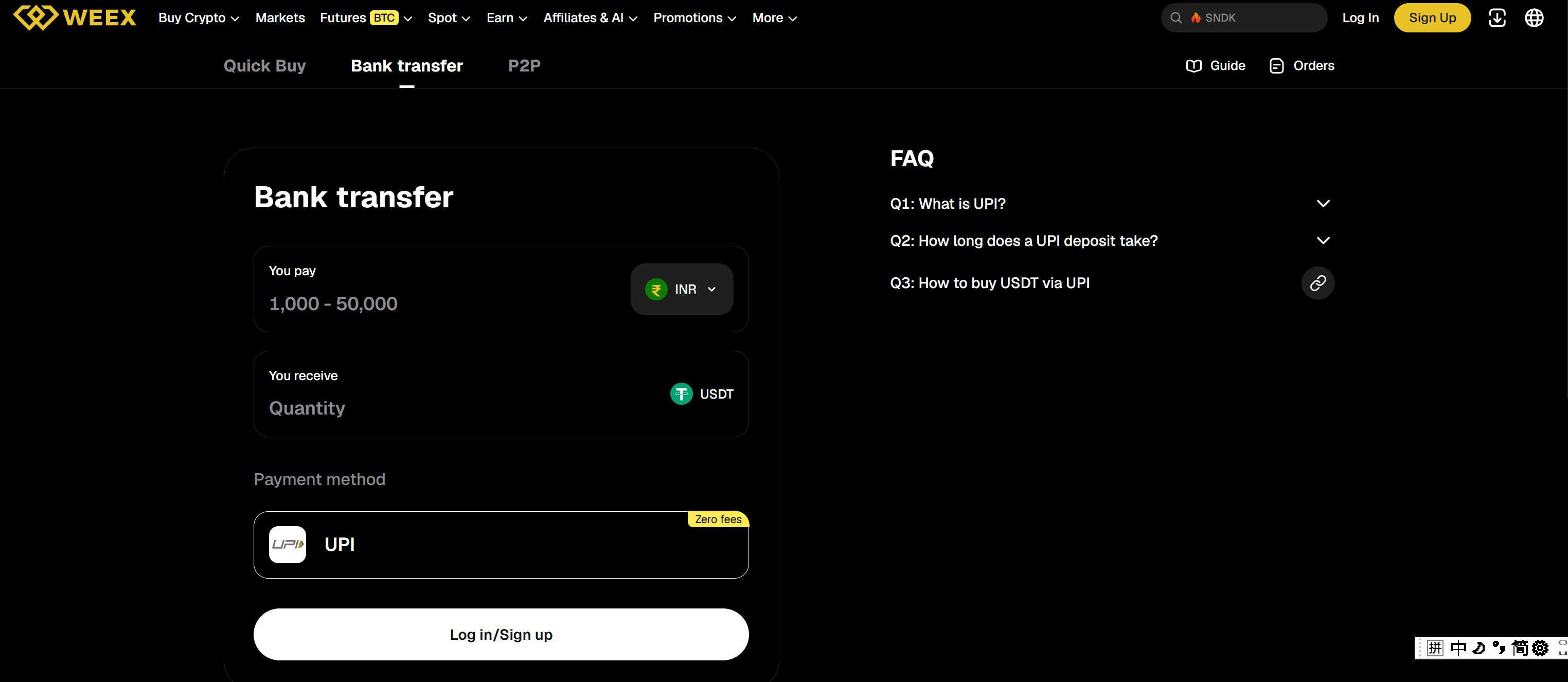
In the “You Pay” section, choose: INR — Indian Rupee
Then enter the amount you want to spend.
The page may display a supported payment range, such as 1,000 to 50,000 INR, depending on the current payment channel and account conditions.
Users should always check the latest limits shown on the order page before confirming a transaction.
Step 3: Choose the Crypto You Want to Buy
In the “You Receive” section, select the crypto asset you want to receive.
For example, users who want to buy USDT with UPI can select USDT as the receiving asset.
After entering the INR amount, WEEX will display the estimated amount of USDT you can receive based on the current quote.
Before continuing, check the exchange rate, estimated crypto amount, and any payment conditions shown on the page.
Step 4: Select UPI as the Payment Method
Choose UPI under Payment Method.
The transaction flow then becomes:
INR payment → UPI → USDT or another supported crypto asset
For example, if you want to buy USDT in India, you can enter the INR amount, select USDT, and then choose UPI to complete the payment.
The page may display Zero Fees for UPI under certain conditions. Users should still confirm the final fee details shown before submitting the order.
Step 5: Log In and Confirm the Order
If you are not already logged in, sign in to your WEEX account.
New users can register on WEEX before continuing.
Review the order carefully and confirm:
- The fiat currency is INR
- The payment method is UPI
- The crypto asset is correct
- The quoted amount is acceptable
Once everything is correct, proceed to the payment step.
Step 6: Complete the UPI Payment
WEEX will redirect you to the supported payment flow.
Follow the instructions to complete the UPI payment using the relevant bank account or UPI app. Make sure the payment amount matches the order details.
After the payment is completed, return to WEEX and check the order status.
For additional instructions, users can refer to the WEEX Quick Buy/OTC guide.
How to Buy USDT with UPI in India
USDT is one of the most common assets users purchase through fiat channels because it can be used across multiple crypto markets.
To buy USDT with UPI on WEEX, users only need to select INR as the payment currency, choose USDT as the receiving asset, and select UPI as the payment method.
The process can be summarized as:
Open Bank Transfer → Choose INR → Select USDT → Choose UPI → Confirm Order → Complete Payment
This setup is especially useful for users searching for terms such as buy USDT with UPI, buy USDT in India, or buy USDT with INR.
Can You Buy Other Crypto with INR via UPI?
Yes, depending on the assets currently supported on the WEEX fiat purchase page.
While USDT is a common example, users may also be able to select other supported cryptocurrencies during the purchase process.
The available assets, payment limits, and quotes can change, so users should check the latest options directly on the WEEX Bank Transfer page.
-- Price
Is Buying Crypto with UPI on WEEX Safe?
Users should always complete fiat purchases through official platform pages and supported payment channels.
Avoid sending money through unofficial links, unknown QR codes, or private payment instructions from third parties.
WEEX publishes its Proof of Reserves, which provides information about platform asset reserves. The platform also maintains a 1,000 BTC protection fund.
However, platform security measures do not remove crypto market risk. Users should still check the order price, payment details, and the asset they are purchasing before confirming any transaction.
Final Thoughts
Buying crypto in India with INR via UPI on WEEX follows a relatively simple process. Users can select INR, choose the crypto they want to receive, and complete payment through UPI.
For users who specifically want to buy USDT with UPI, the process is:
Register or log in → Open WEEX Bank Transfer → Select INR → Choose USDT → Select UPI → Confirm and pay.
This content is provided for general informational purposes only and doesn't constitute financial, investment, legal, or tax advice. Any events, rewards, online promotions, or related information mentioned herein should not be considered a recommendation, solicitation, or invitation to purchase, sell, trade, or otherwise deal in any crypto assets. Crypto assets are highly volatile and may result in loss. The availability of WEEX services, products, and related events may vary by region. You are responsible for ensuring that your participation is in accordance with applicable local laws and regulations.
You may also like
Why Is Bitcoin Down Today? BTC's Slide to $76K Explained
BTC Price Above $78,000 After the Midterms: What Is Confirmed, What Moved and What to Check Next
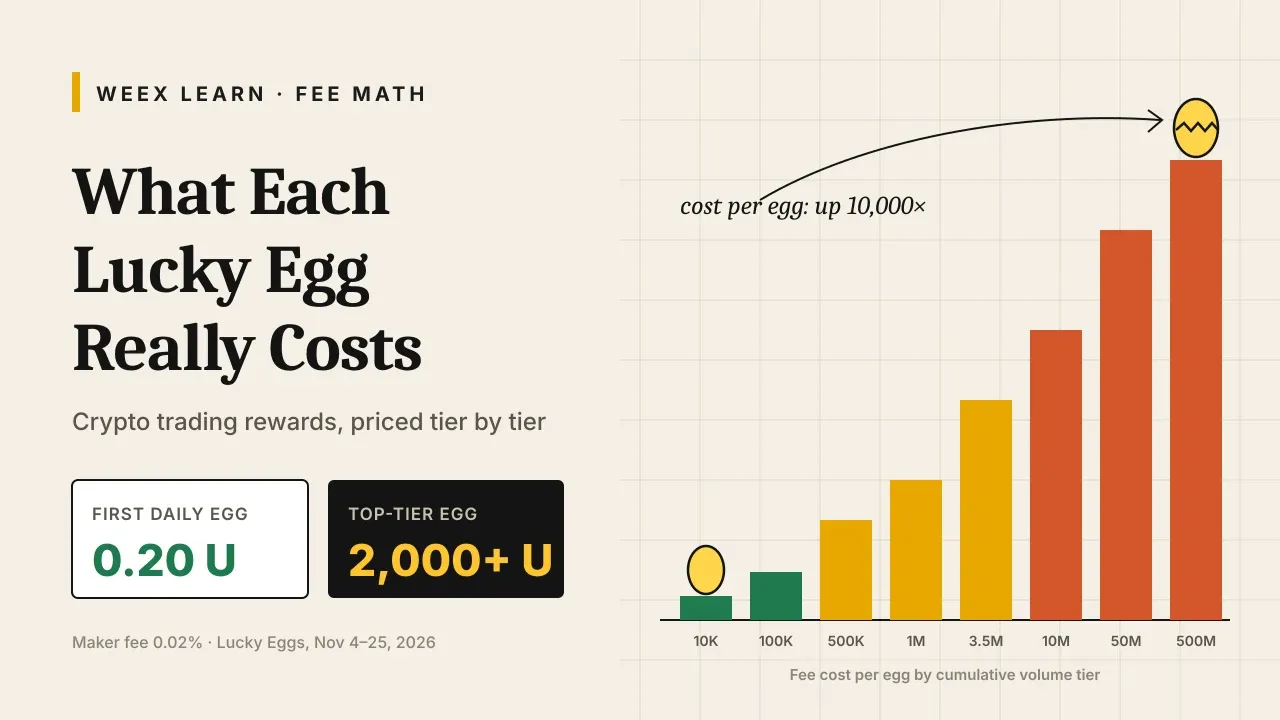
Crypto Trading Rewards: What Each Lucky Egg Really Costs in Fees
WEEX Rewards Guide: Lucky Eggs Tasks, Prizes and a 22-Day Plan

Binance Incident Report: How the Attack Chain Worked and What to Check
FOMC Meeting December 2026: Date, Schedule and What to Know Before the Rate Decision
Can You Stake Bitcoin? How BTC Staking Works and What It Pays
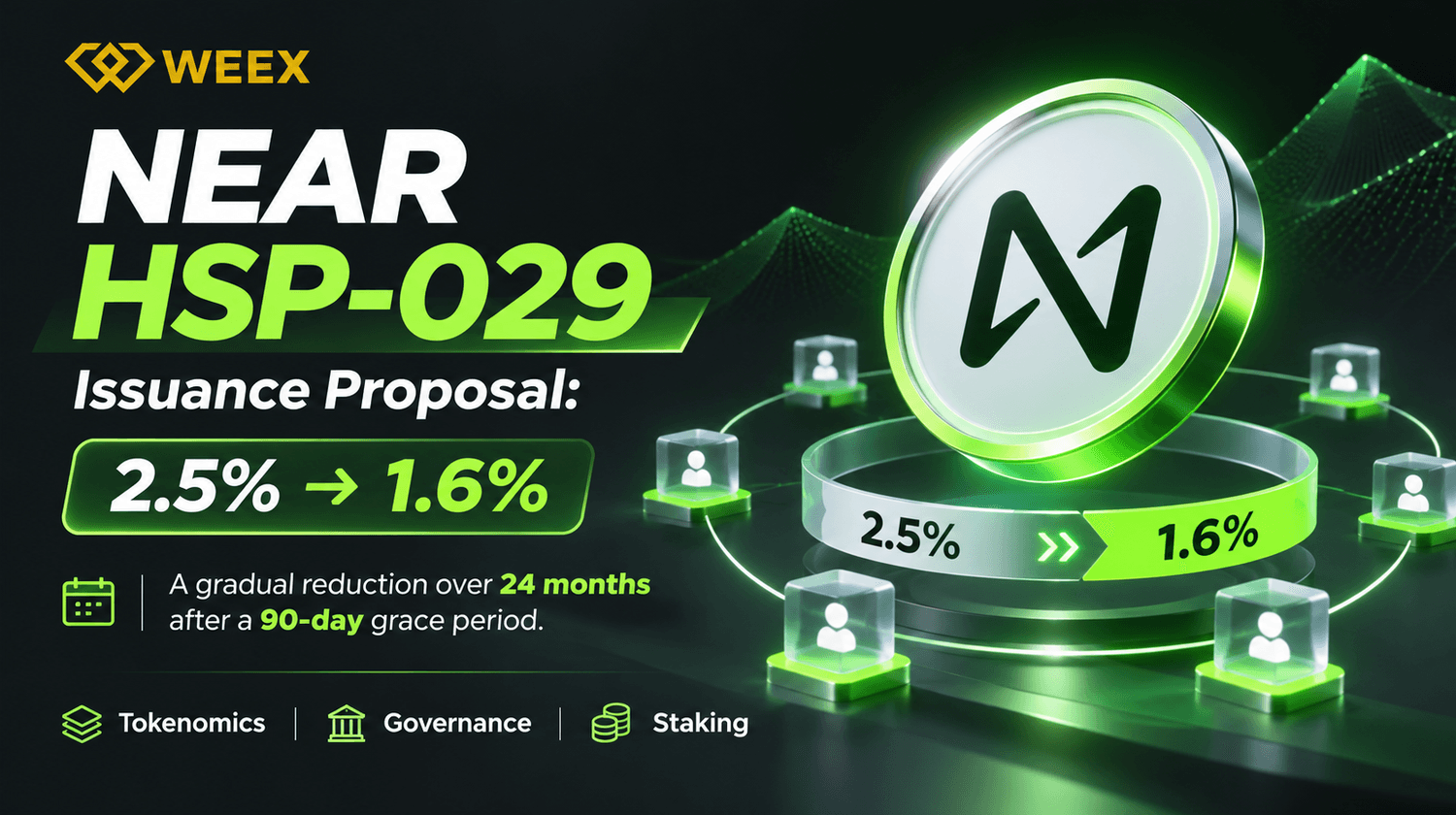
NEAR Protocol HSP-029 Vote: Can a 36% Issuance Cut Affect NEAR Price?

Bitcoin Futures ETF Explained: How It Works, How It Differs From a Spot Bitcoin ETF and Where the Risks Are
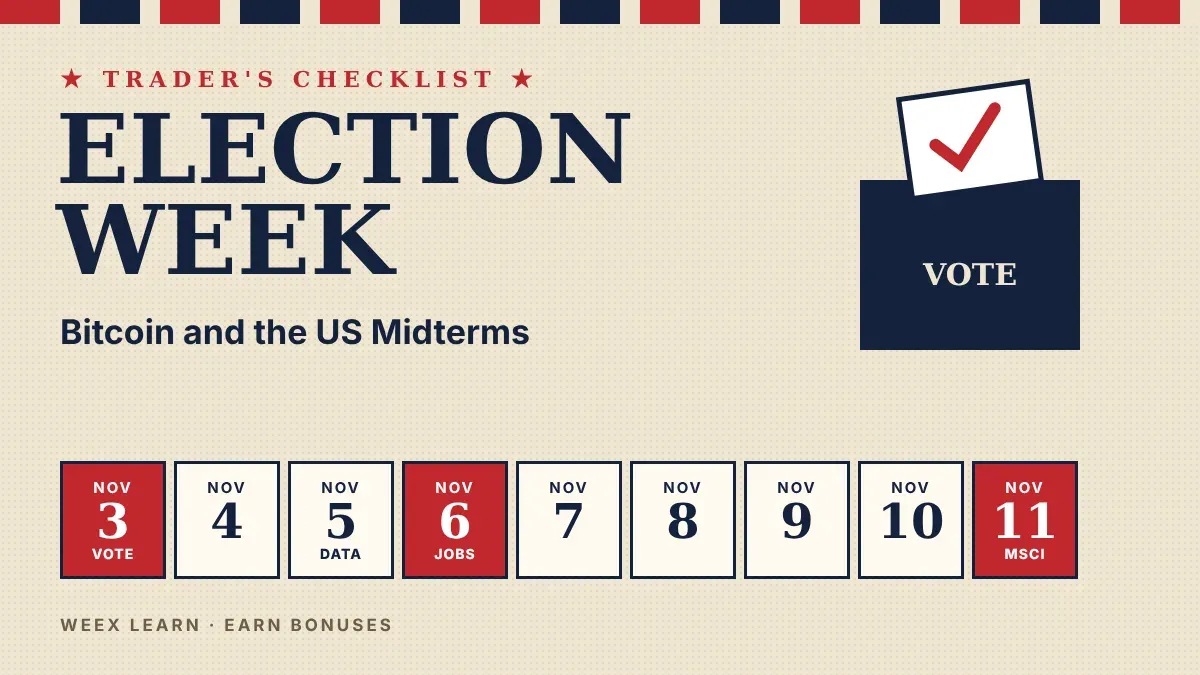
Bitcoin and the US Midterms: A Trader's Checklist for Nov. 3-11
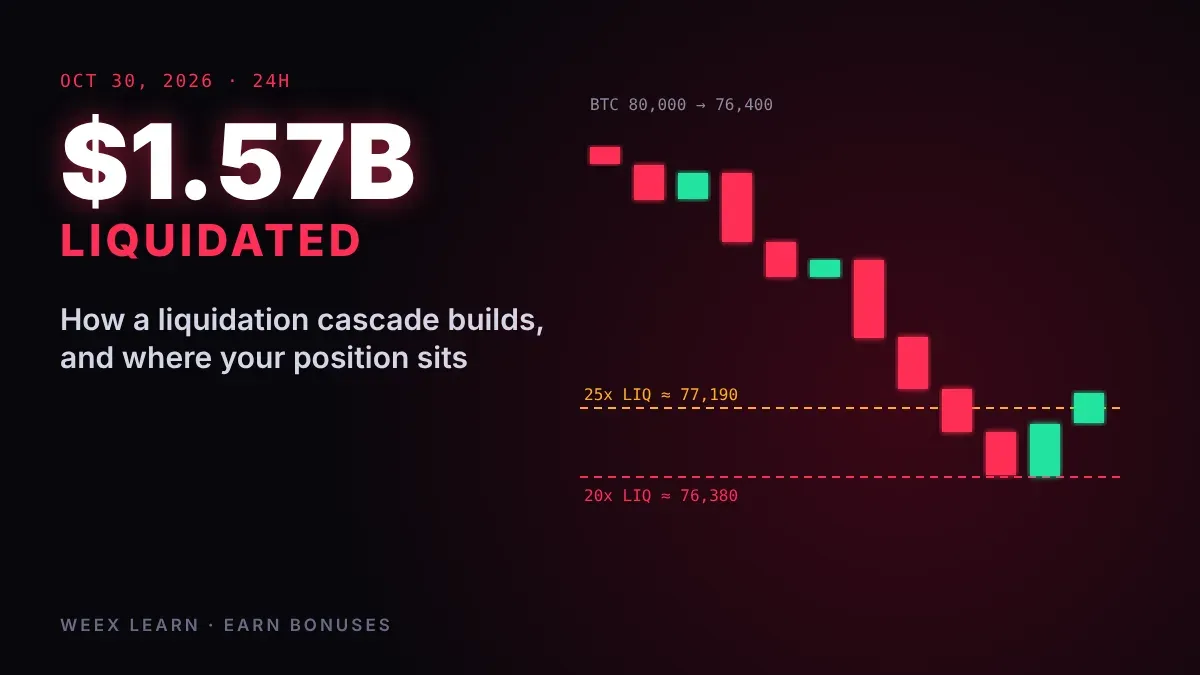
Crypto Liquidation Cascade: What the $1.57B Oct. 30 Flush Taught
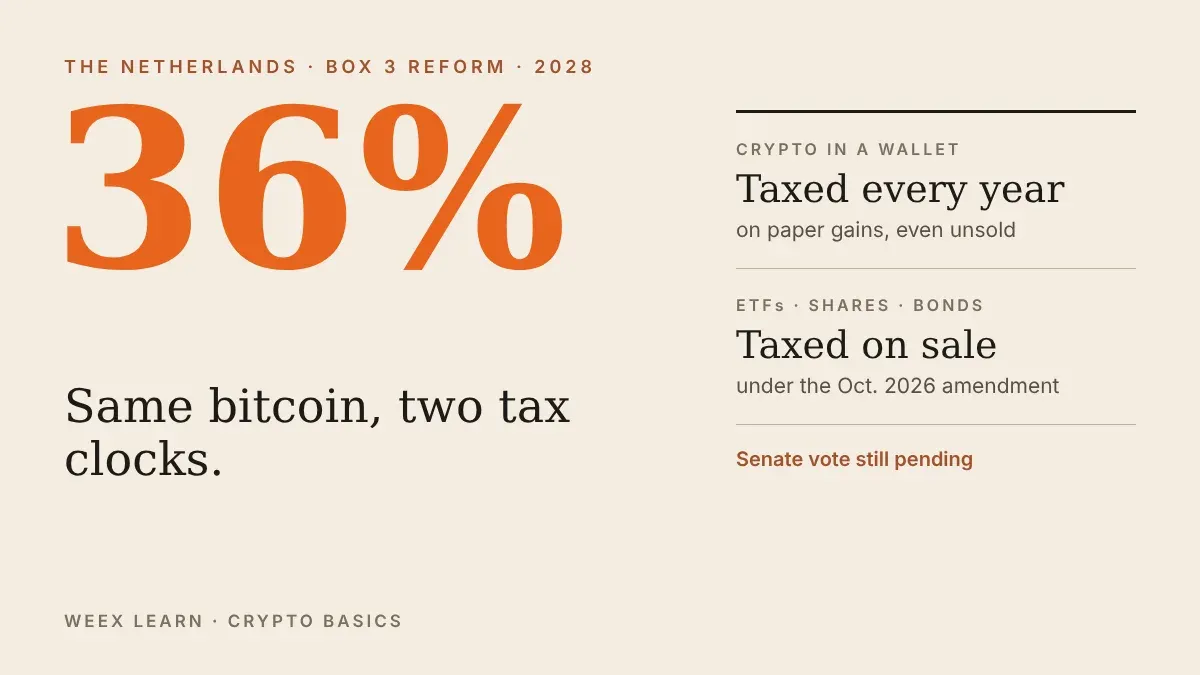
Dutch 36% Crypto Tax: Why Wallets Get Taxed Differently From ETFs
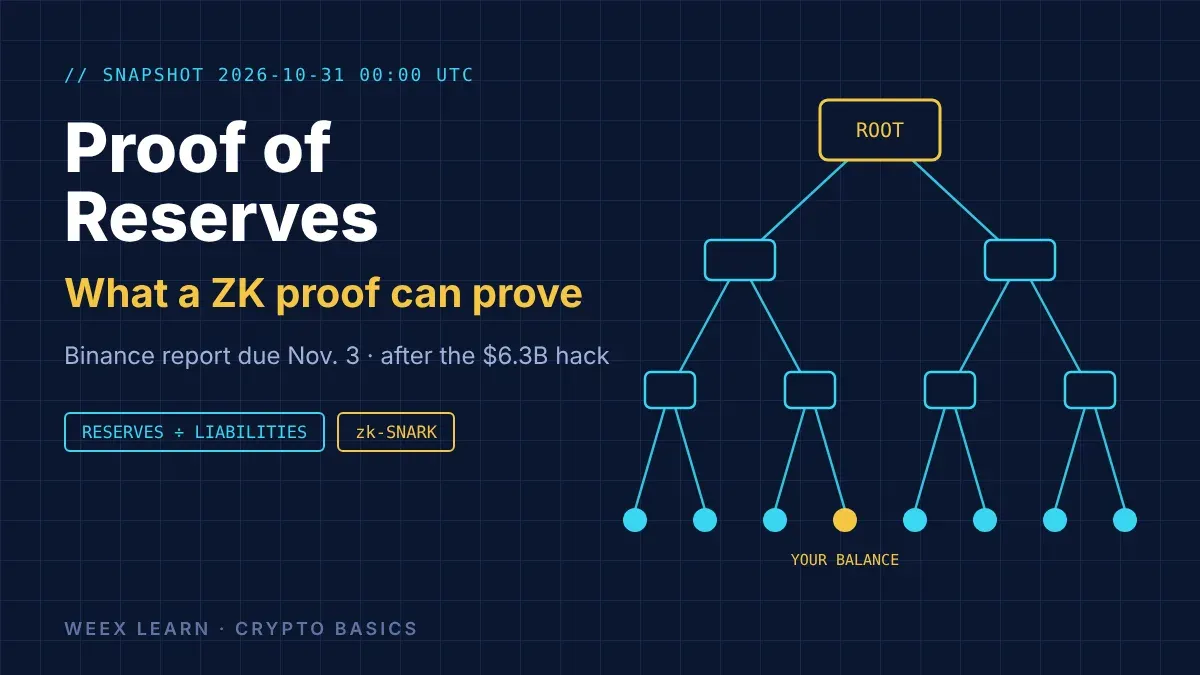
Binance Proof of Reserves: What the Nov. 3 ZK Report Can Prove
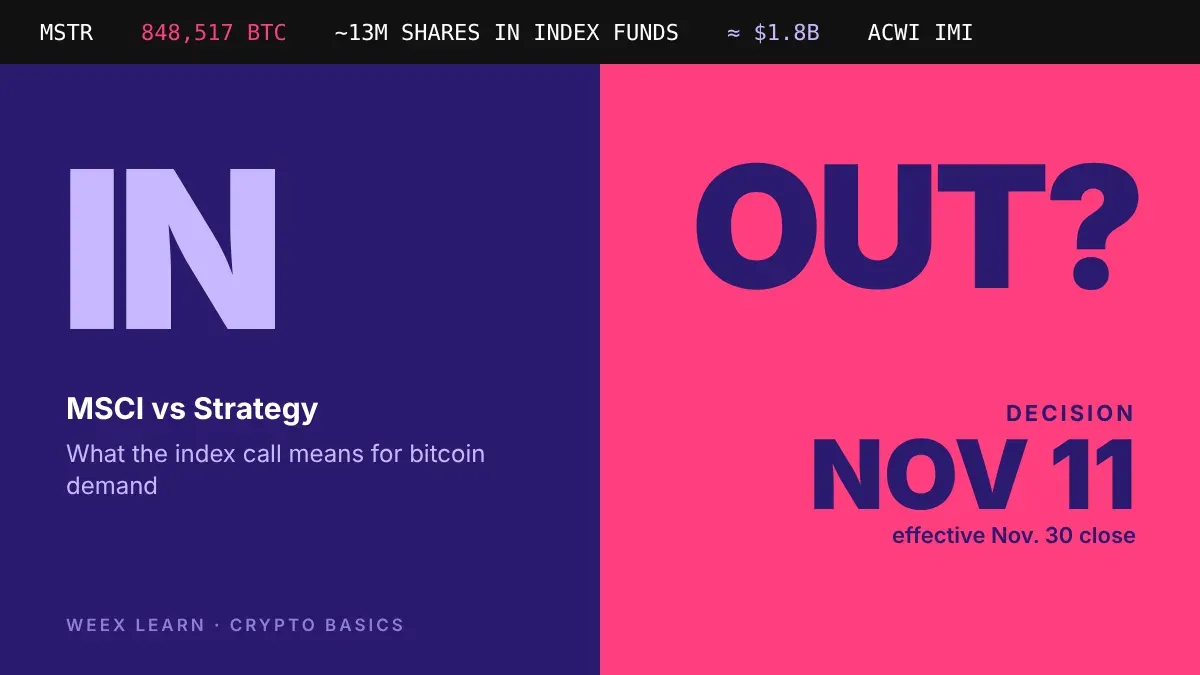
MSCI vs Strategy: What the Nov. 11 Index Decision Means for BTC
Binance Hack Explained: What Is Confirmed, What Is Disputed and What Users Should Do Now
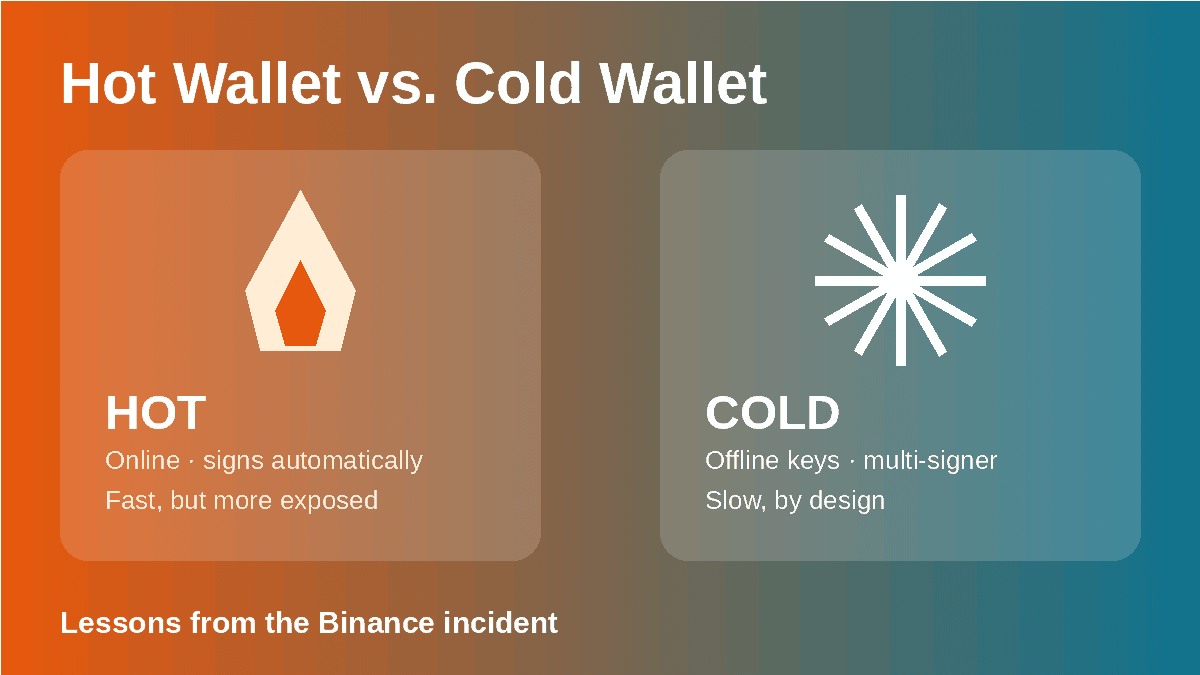
Hot Wallet Security Explained: Lessons From the Binance Incident
How Do Stablecoin Issuers Make Money? The Business Behind a $1 Token
BTC Fights for $80K Before the Fed: Why Leverage Hasn't Flushed

How to Use WEEX Bubbles: A Practical Guide to Crypto Bubbles and Market Trends
WEEX Futures PnL: Why Your Three PnL Numbers Rarely Match
WEEX Reduce-Only Order: What It Does and When It Gets Cancelled
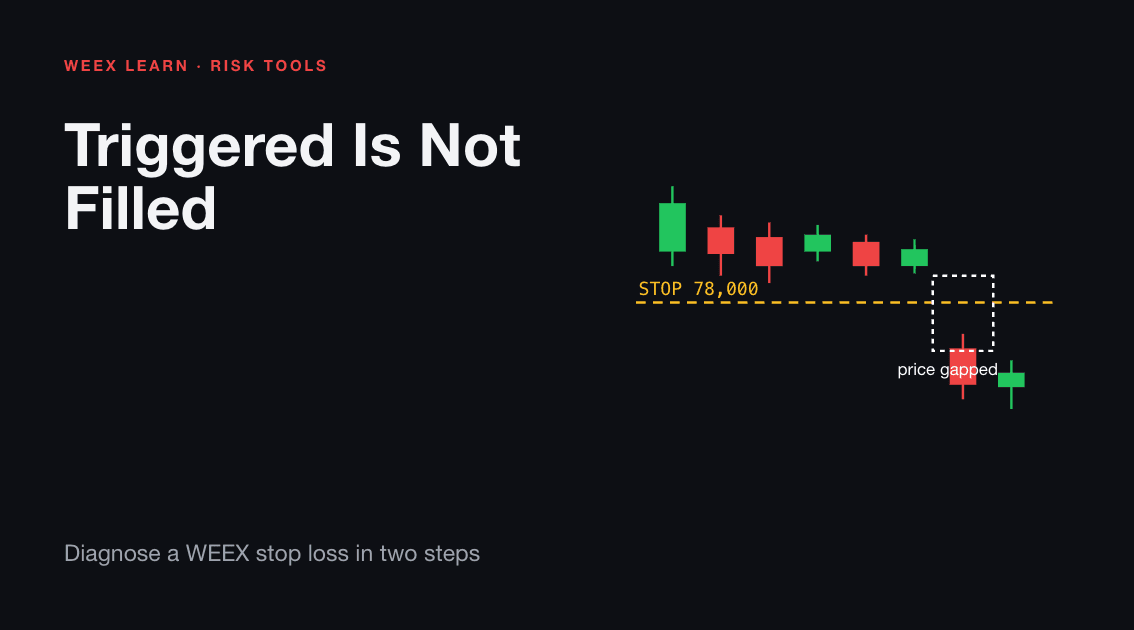
WEEX Stop Loss Not Triggered? Check the Trigger, Then the Fill
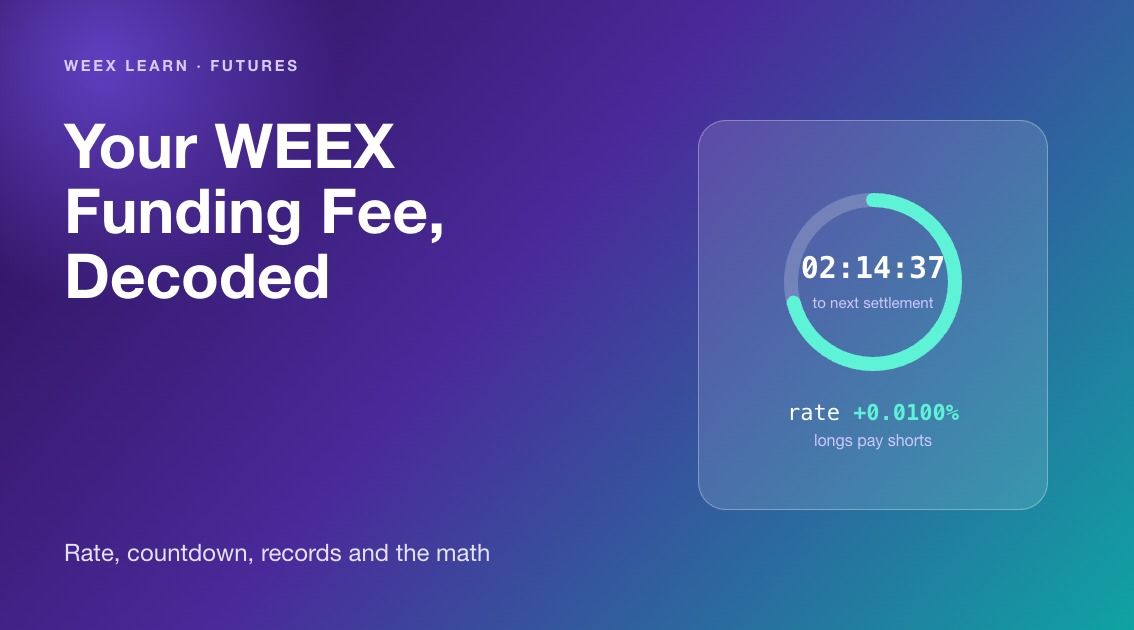
WEEX Funding Fee Explained: Rate, Countdown, Records and Math
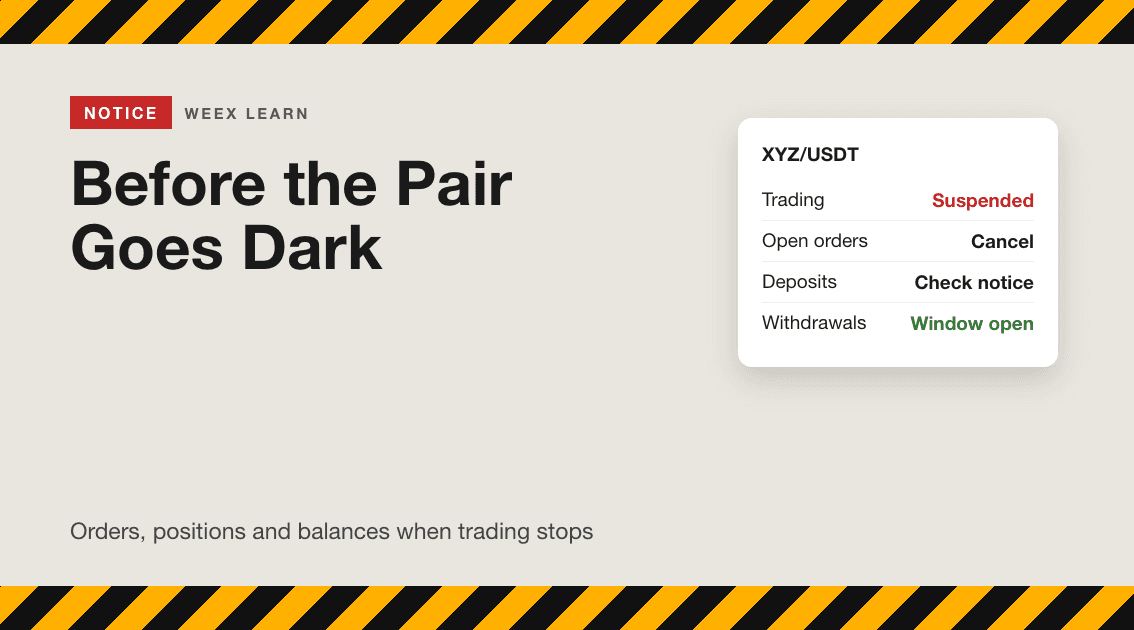
WEEX Trading Pair Suspended or Delisted? Your Orders and Assets

WEEX Order History: How Orders, Fills and Fees Fit Together
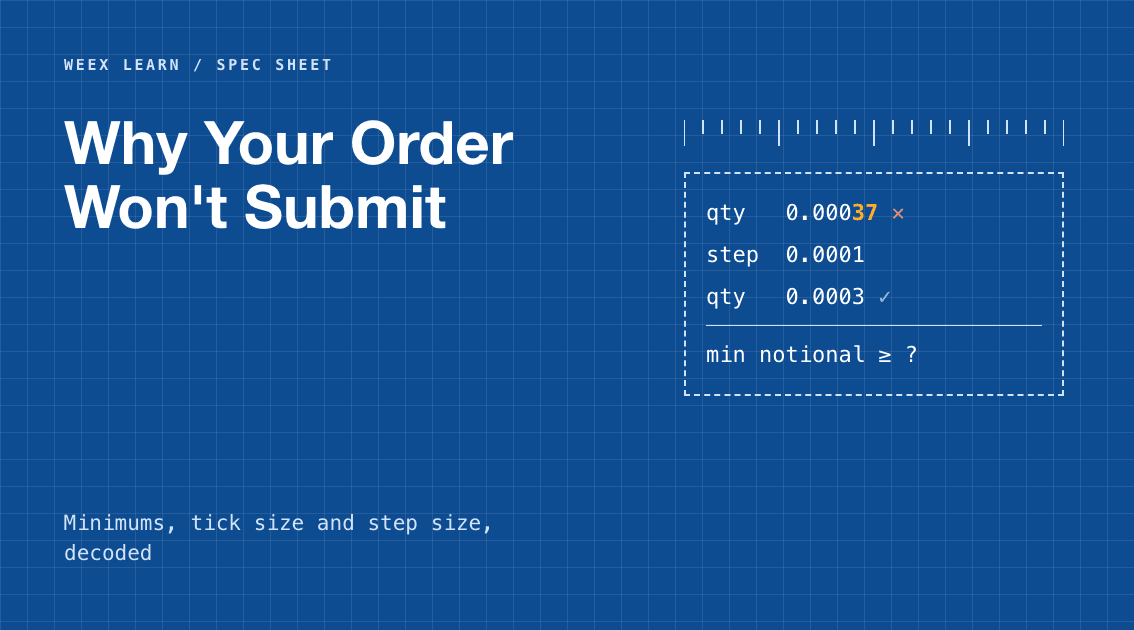
WEEX Minimum Order Size Errors Explained With Rounding Examples
Cancel WEEX Spot Order: What Returns to Your Balance and When
WEEX Limit Order Not Filled? Read the Book, Then Fix the Order
How to Spot Trade on WEEX: From Pair Choice to a Confirmed Fill

How Transparent Is a Crypto Exchange? Checking Proof of Reserves and Protection Funds On WEEX Trust Center
Why Is Bitcoin Down Today? BTC's Slide to $76K Explained
BTC Price Above $78,000 After the Midterms: What Is Confirmed, What Moved and What to Check Next
Crypto Trading Rewards: What Each Lucky Egg Really Costs in Fees
WEEX Rewards Guide: Lucky Eggs Tasks, Prizes and a 22-Day Plan
Binance Incident Report: How the Attack Chain Worked and What to Check
FOMC Meeting December 2026: Date, Schedule and What to Know Before the Rate Decision


